My Digital Genome
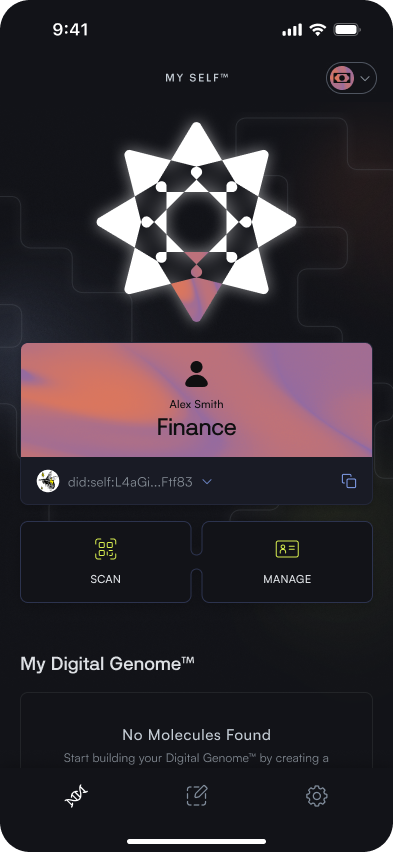
Your Digital genome acts as your homepage for the SELF app. From this page you are able to view and manage your identities and molecule.
My Molecules
Your Digital Genome presents all the different Molecules, or credentials, that have been attested to your identity. Molecules could represent something formal such as your driver’s license, or something personal such as your Mastodon handle. These may be attested by another identity or self-attested.
The Molecule list calls out the name of the molecule, date of attestation, attester, number of atoms, and sensitivity.
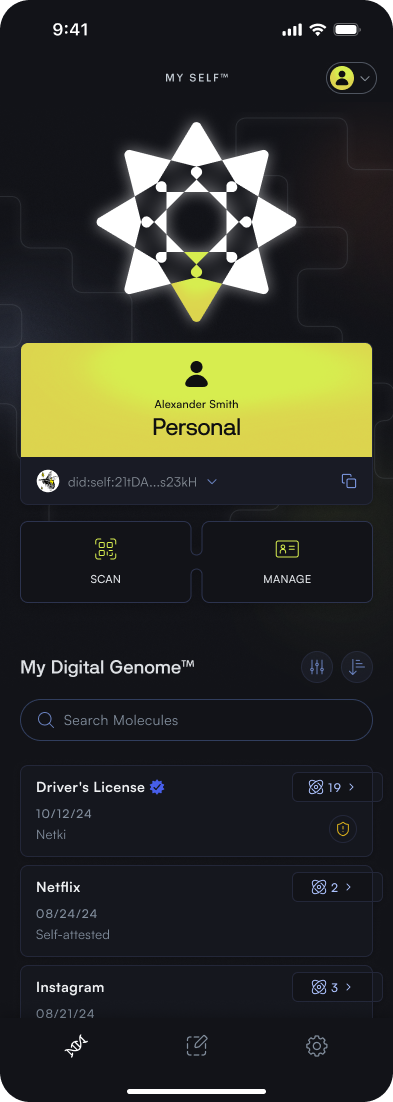
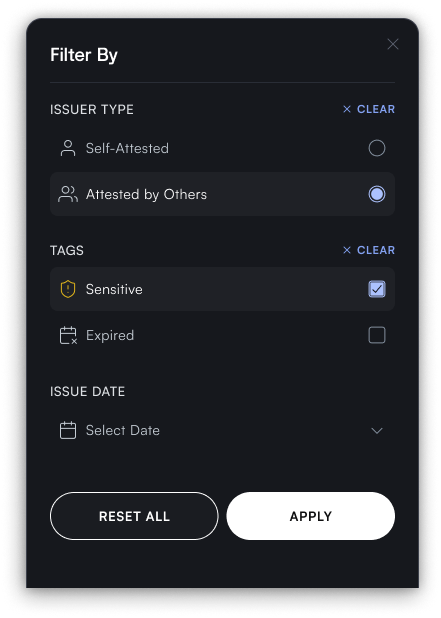
You are able to search for molecules using the molecule title, filter by issuer type, tags, or issue date, and sort by creation date, title, or issuer name.
When clicking into a molecule, you are presented with two different tabs for the molecule. The molecule details tab includes a description of the molecule, its effectivity dates, attester, and details on the sensitivity.
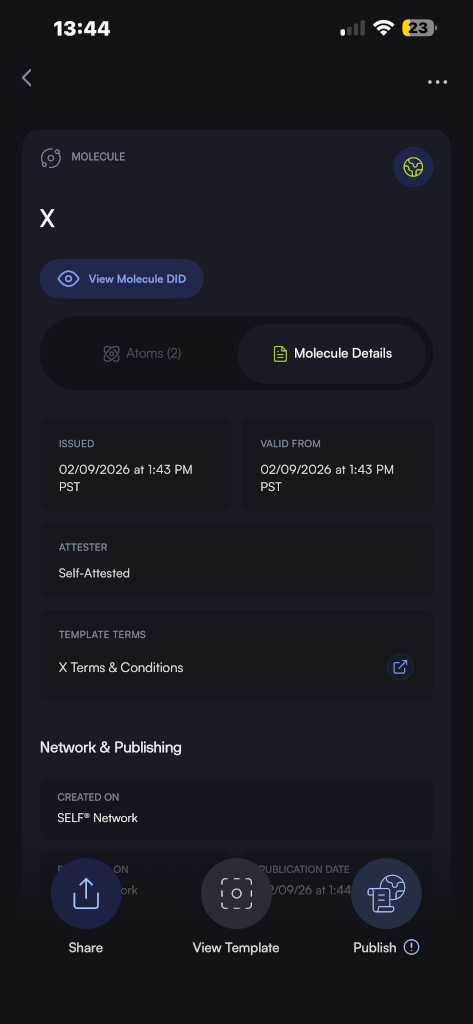
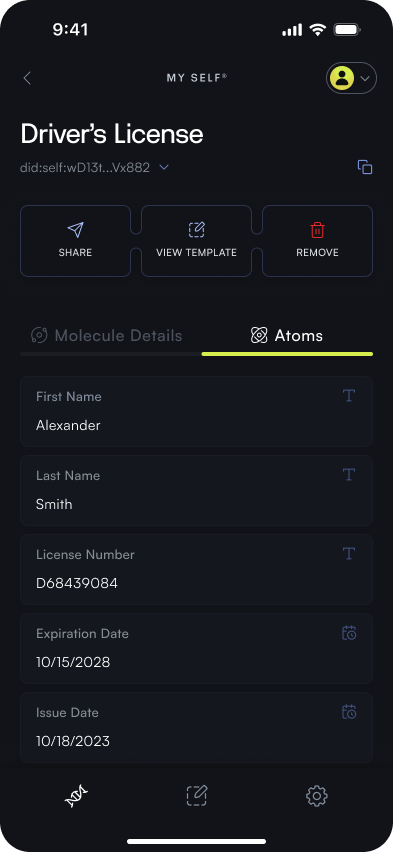
The atoms tab contains the true content of the molecule and list all the different pieces of data specific to that molecule.
Manage Identities
Create & Switch Identities
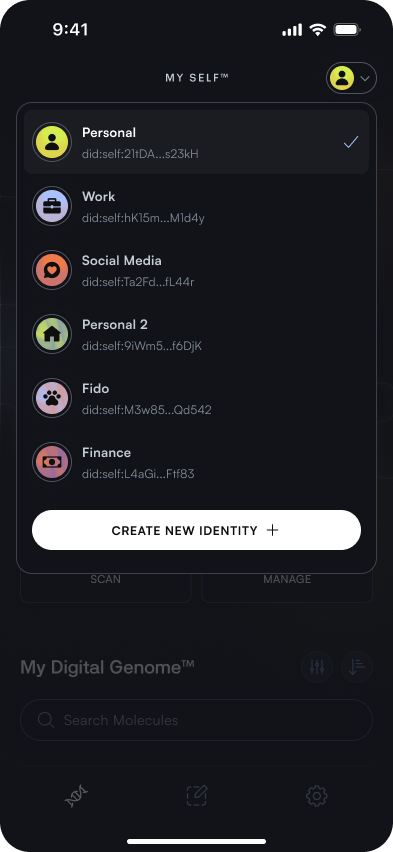
From your Digital Genome you are able to create additional identities. These identities can represent different aspects of your persona or different purposes. For example, you may maintain a professional identity and a personal identity.
By clicking on the dropdown in the top-right corner, you are able to either create a new identity or switch between existing identities.
Edit & Remove Identities
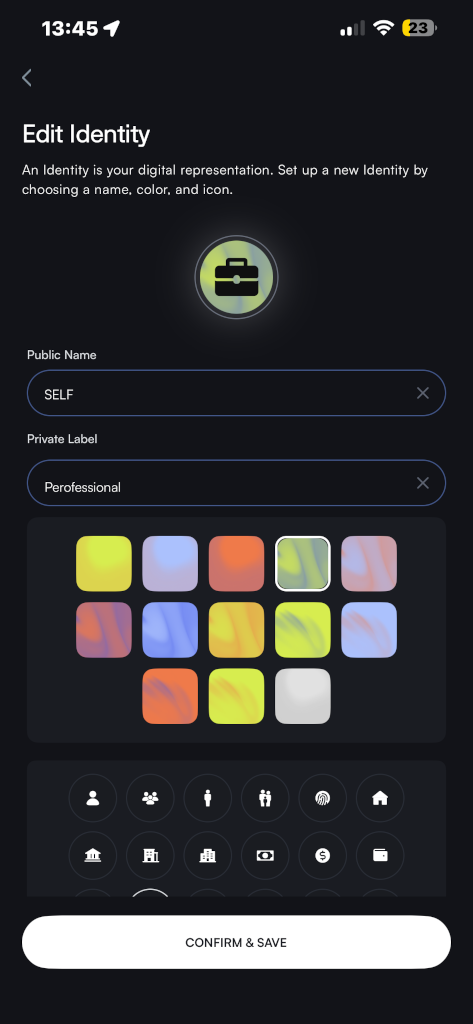
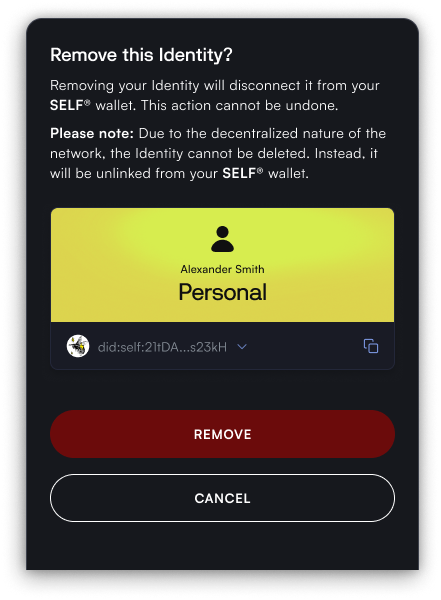
By clicking on the Manage Identity button, you are able to either edit you current identity or remove it from your wallet. When editing you are able to adjust the name, icon a,d color of your identity.
Removing an identity disconnects it from your Digital Genome and cannot be undone. Due to the decentralized nature of the network, the identity cannot be deleted. Instead, it is unlinked from your wallet.
QR Code Scanning
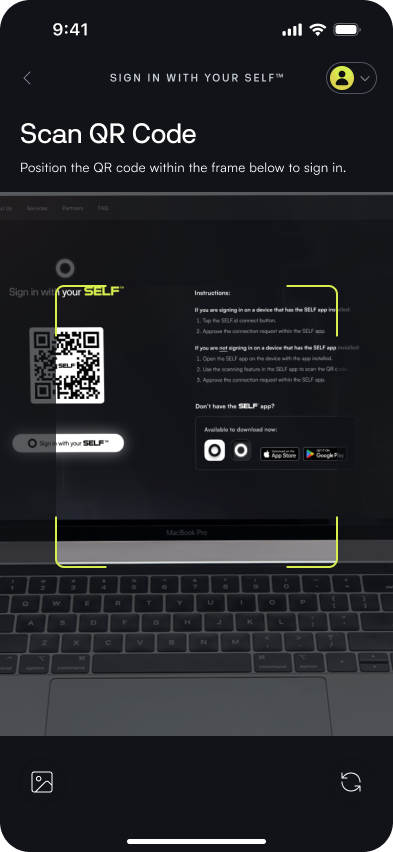
From your Digital Genome you can trigger your camera to open in order to scan a QR code. QR Codes are used to present challenges in the Self ecosystem. When a challenge QR code is scanned, the Self application creates a presentation of your identity or specific molecules in order to “fulfill” that challenge. For example, this may be proving you are over 21 to access specific content or logging in using your self.